
Real windows, really visible
Browsing happens in a real Edge window with a visible cursor and typing; commands and file edits are mirrored in read-only command and file windows.

One Windows PC plus one client equals a digital colleague that works visibly on that machine. No public IP, no open ports — connect it to your workspace and start assigning work.
The client keeps one secure outbound link to weiaozn.top. Tasks travel down that link, every action streams back up, and model calls go straight from the PC to DeepSeek with your own key.
Swipe sideways to see the whole diagram
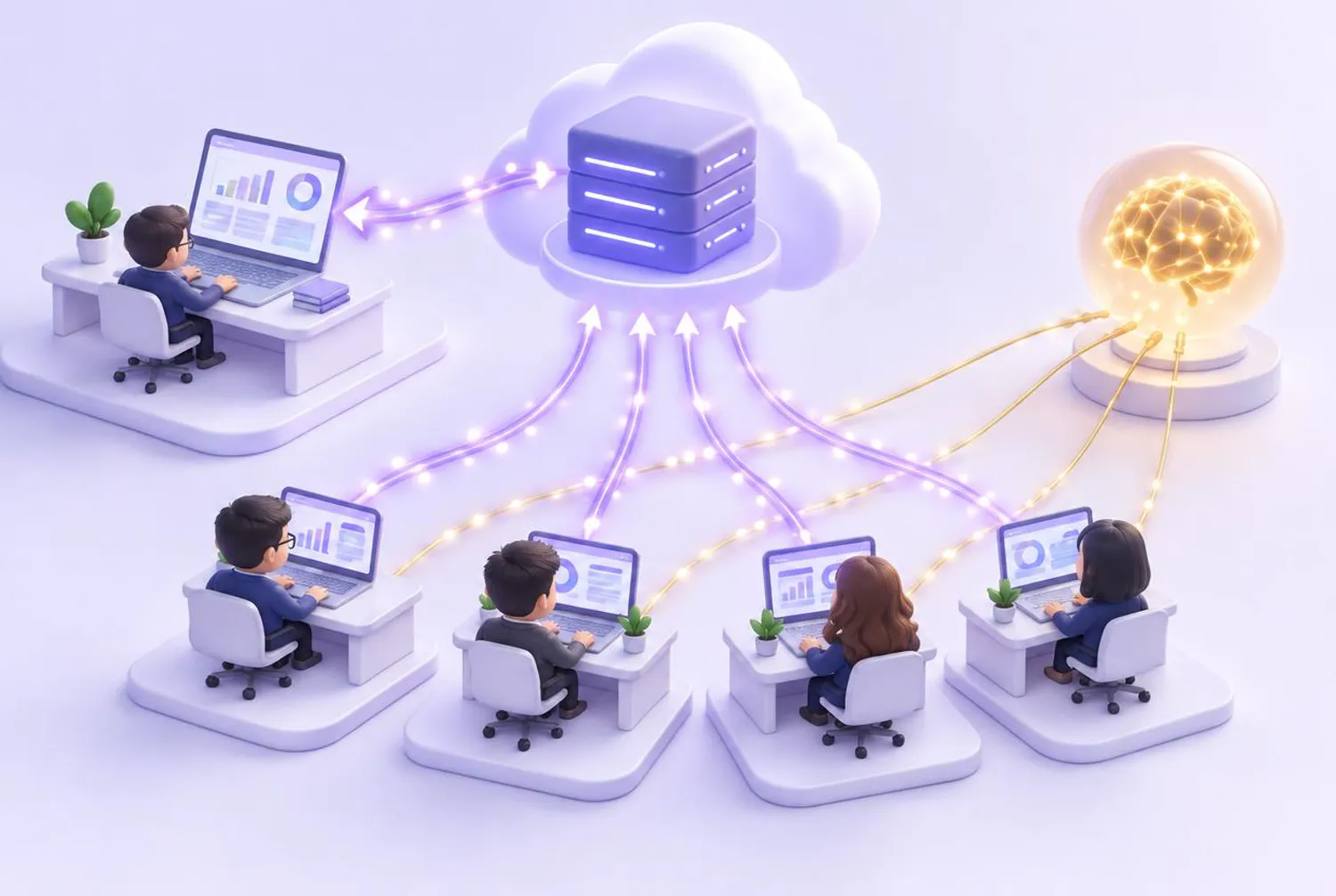
Illustration generated with AI
This is exactly what happens between the workspace, our server, the employee PC and DeepSeek when you assign a task.
Swipe sideways to see every step
Browsing happens in a real Edge window with a visible cursor and typing; commands and file edits are mirrored in read-only command and file windows.
Logins are saved with Windows DPAPI on that machine. The agent types them into the browser locally — the model, chat logs and the website never see them.
The client only makes an outbound connection on port 443 — the same as opening a web page. Nothing on your network is exposed.
Drops reconnect automatically with back-off. Messages sent while a PC is offline wait for 30 minutes and replay in order, never twice.
We push new versions from the server. Each PC downloads, verifies, backs up and swaps in the update once its current task is finished.
A light dashboard frames the real work area: the whole team at the top, hand-offs on the left, customer graph and world map on the right.

The client was built for company PCs on a company network: least exposure, local secrets, full audit.
Book a consultation and we will check your PCs and walk you through every step.
Windows 10/11, 8 GB RAM or more, Edge installed.
Sold in our Douyin shop. One code covers one PC for the plan period.
Use 1 to 4 PCs. One PC can run all four colleagues; with more PCs the work is split between them.
Enter the activation code (leave it empty if you already redeemed it on the website), sign in to your weiaozn.top account when asked, then pick the number of PCs and this PC’s colleagues.
Each PC needs an activation code (sold in our Douyin shop) for the plan period; the code includes usage balance. Model and search usage is then deducted from that balance, and you can top up any time in My Workspace.
We recommend one dedicated PC per digital colleague that stays signed in to Windows, so its browser and windows can stay on screen.
The client reconnects automatically. Tasks sent while it was offline are queued for 30 minutes and replayed in order once it is back.
Yes. The package includes 0-preview-demo.cmd and 5-preview-wall.cmd, which play a demo without installing DSH. You can also try the AI Cloud Trial online.
Out of the box: lead research, social prospecting, outreach email and inquiry handling. Names, duties and hand-offs can be customised for your team.
Book a consultation and we will plan the deployment with you.